

Playing With Fire
Animating an incendiary loop.

Recently, I’m hearing a version of “well, it’s hard to do ____ while the world is on fire.” I think that’s totally fair. Many are waking up to the cruel and unseen side of the world that has existed for centuries, and finding it to be disturbing.
I sat down to draw the other day, with fire on the mind. Thinking about what it feels like to try and chill out within the surrounding chaos, I tried to literalize that feeling in a surreal animation. I then printed each frame of the loop on the risograph and scanned them back in, all in an attempt to imbue the loop with a relaxing texture that conflicts with the destructive implications of the imagery.
After finishing, I thought about adding music but felt like I didn’t have the time. When relating this feeling to my wife Emily, she suggested we do it together! At her urging, we made this:
Today we’ll discuss this mini project and dive into some background on the animation, printing, and the music stages. Enjoy!
Setting This Animation On Fire
To start, I drew this frame in Procreate on the ipad.
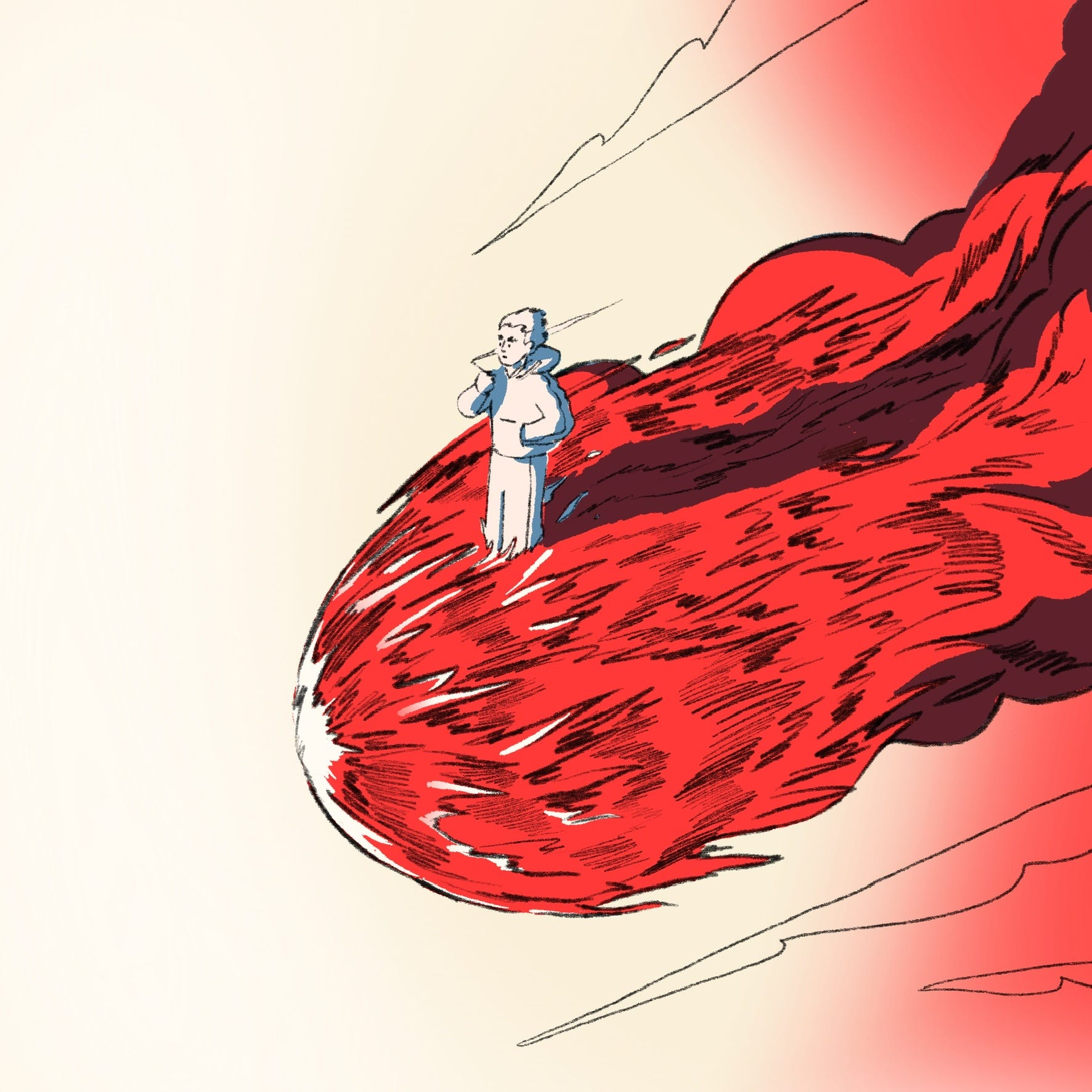
I used a true grit supply pencil brush and increased the stroke width to make it more responsive to pressure, which made for a more gestural drawing experience. I enjoyed drawing the fire and thought: “why not draw it 5-6 more times?”
I then made this 5 frame loop at 8 fps using the animation assist function in Procreate:
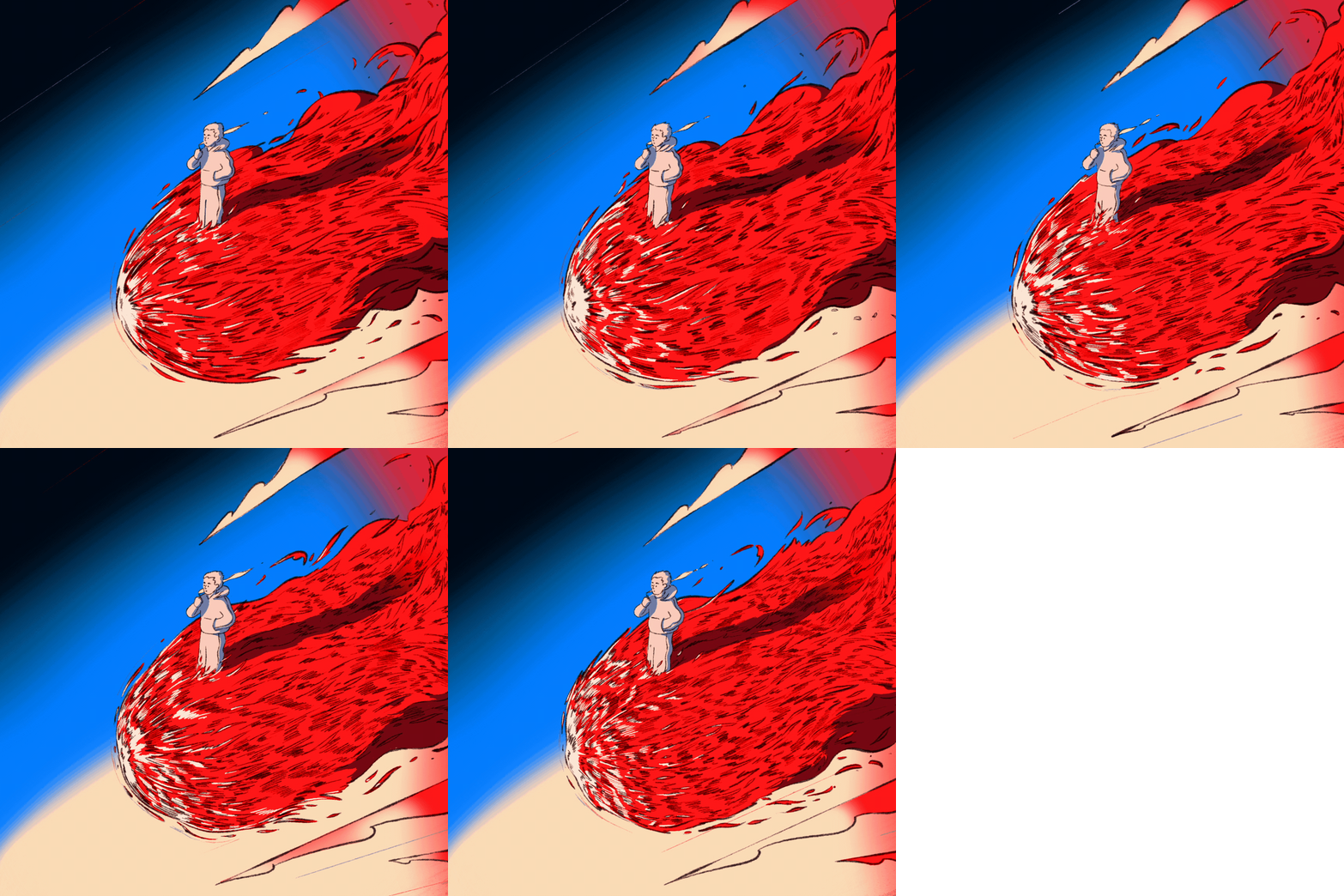
As I animated, I added more detail to the highlights at the font of the flame/comet than the original drawing had. I also played with adding some background airbrushing, filling in the “sky,” behind. “Why are there shadows when the whole thing is on fire?” you ask. Hey, how about you don’t worry about it?
Check out the timelapse below to see the frame by frame process.
Printing The Flame
If you’ve been following my work, you’ll know that I recently bought a risograph printer. I greatly missed the medium and I’ve been wanting to combine my animation work with my print media experience. This animation was an opportunity for me to do just that!
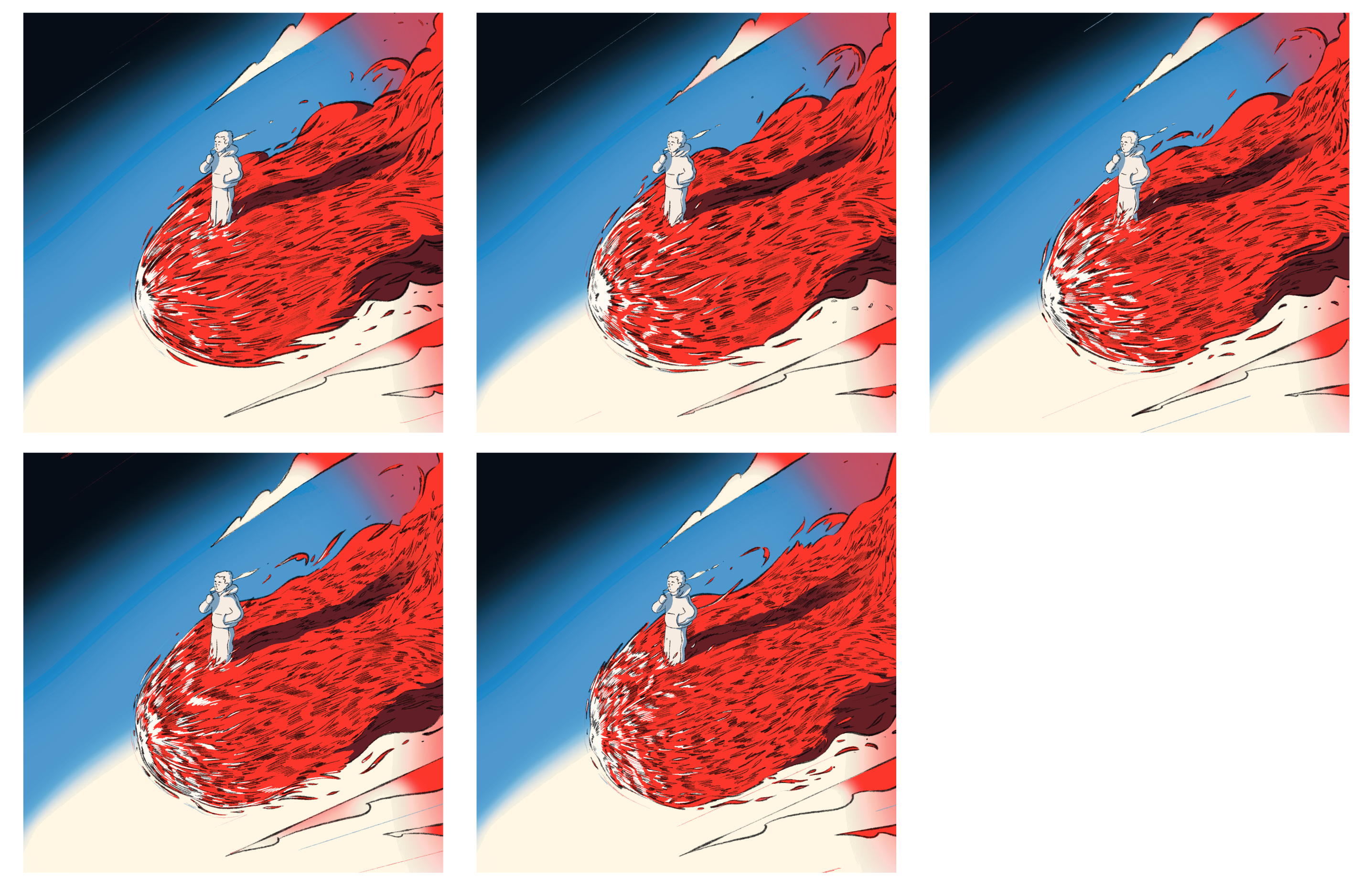
So I got to work, laying out the 5 frame loop on a contact sheet. I first made this at 8.5”x11” before realizing that it was too small and that the sequence was losing details. I shifted to 11”x17,” to compensate.
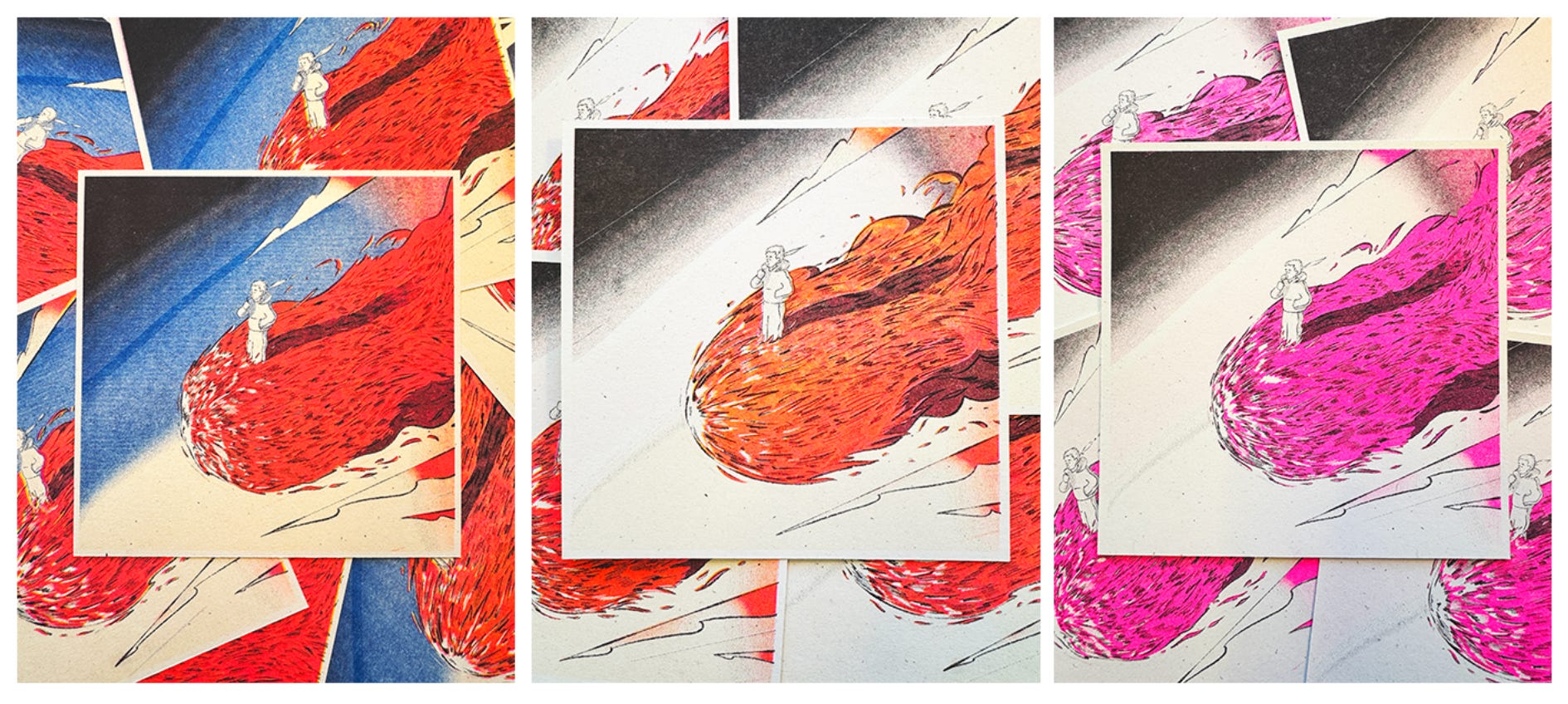
Using “Spectrolite” a free risograph color separating software for the mac, I broke the animation down into 4 color layers: blue, sunflower, florescent pink, and black. I chose these colors because first, it’s what I have available and second, I knew that the sunflower and the pink would overprint to create an intense neon red.
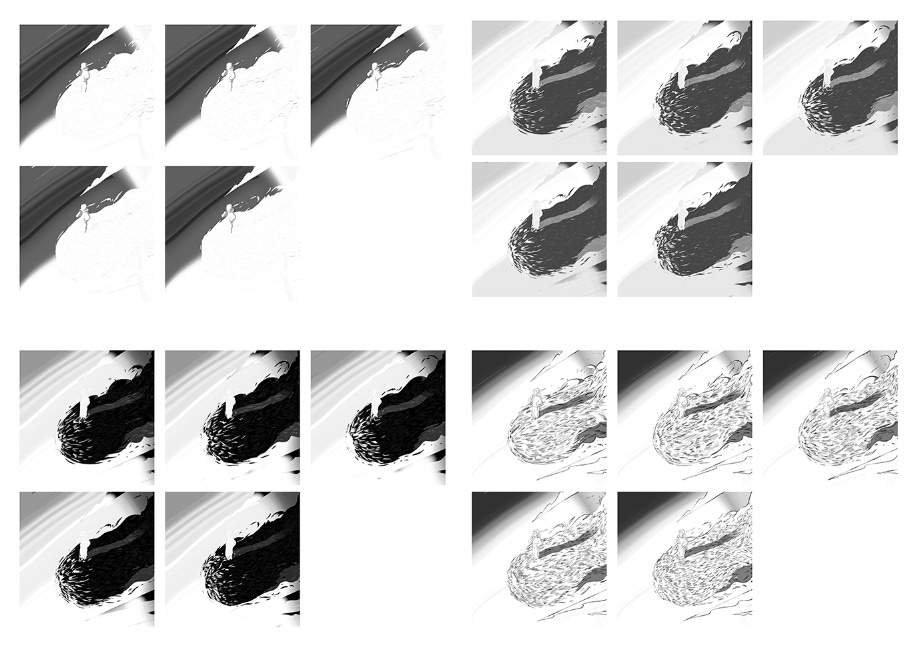
For those unfamiliar with printmaking and the risograph, the process for a multi-color print requires printing each color one at a time and then layering and lining them up or “registering” as you go.
The results were amazing in person, the fluorescent pink elements really came through and brought so much vibrance to the comet. The scan on the other hand drowned a lot of that out. You can see what I mean below:
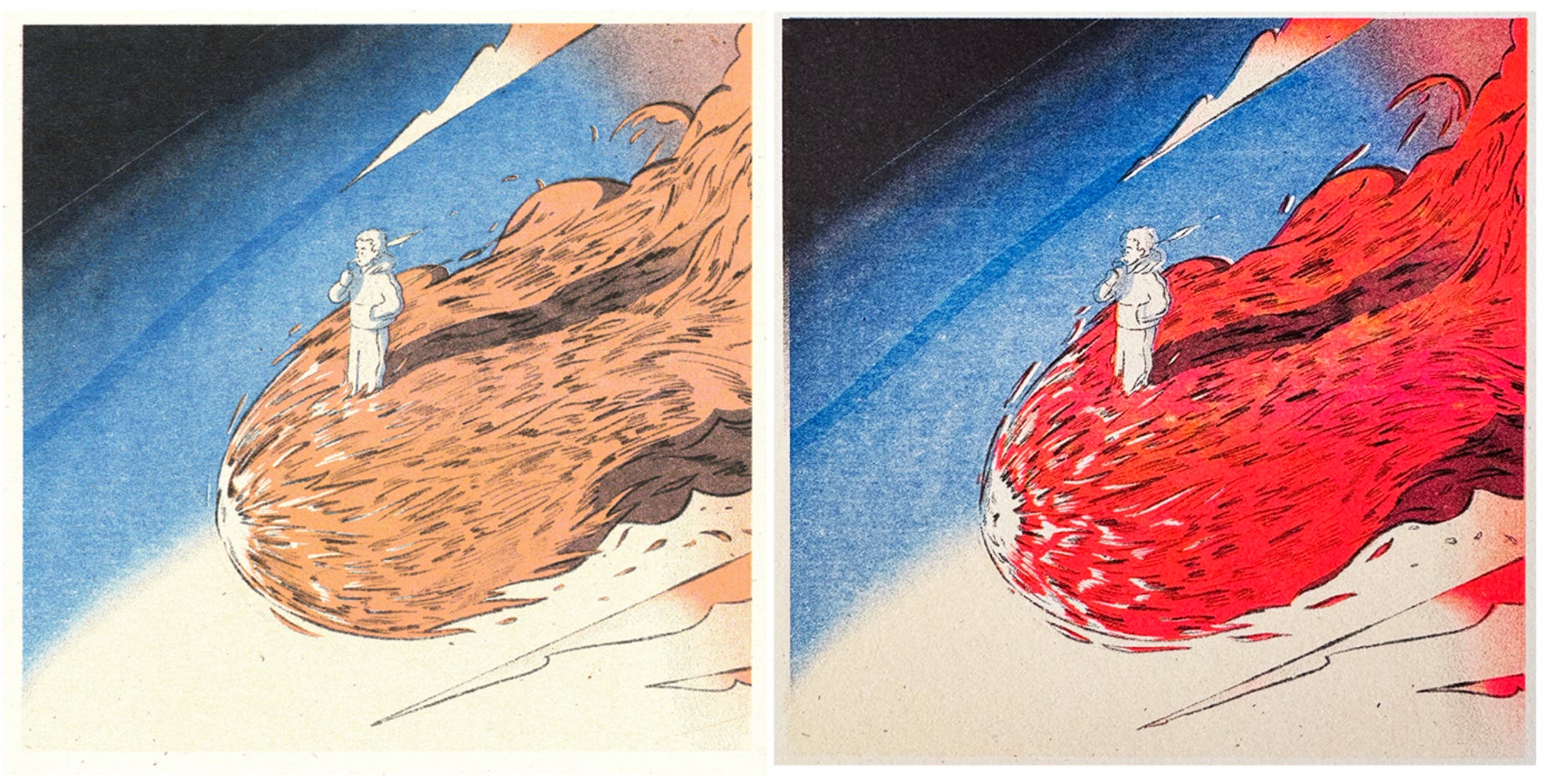
I used the scan because it captured more detail. To bring some saturation back, I did some color correction in After Effects and resequenced the print:
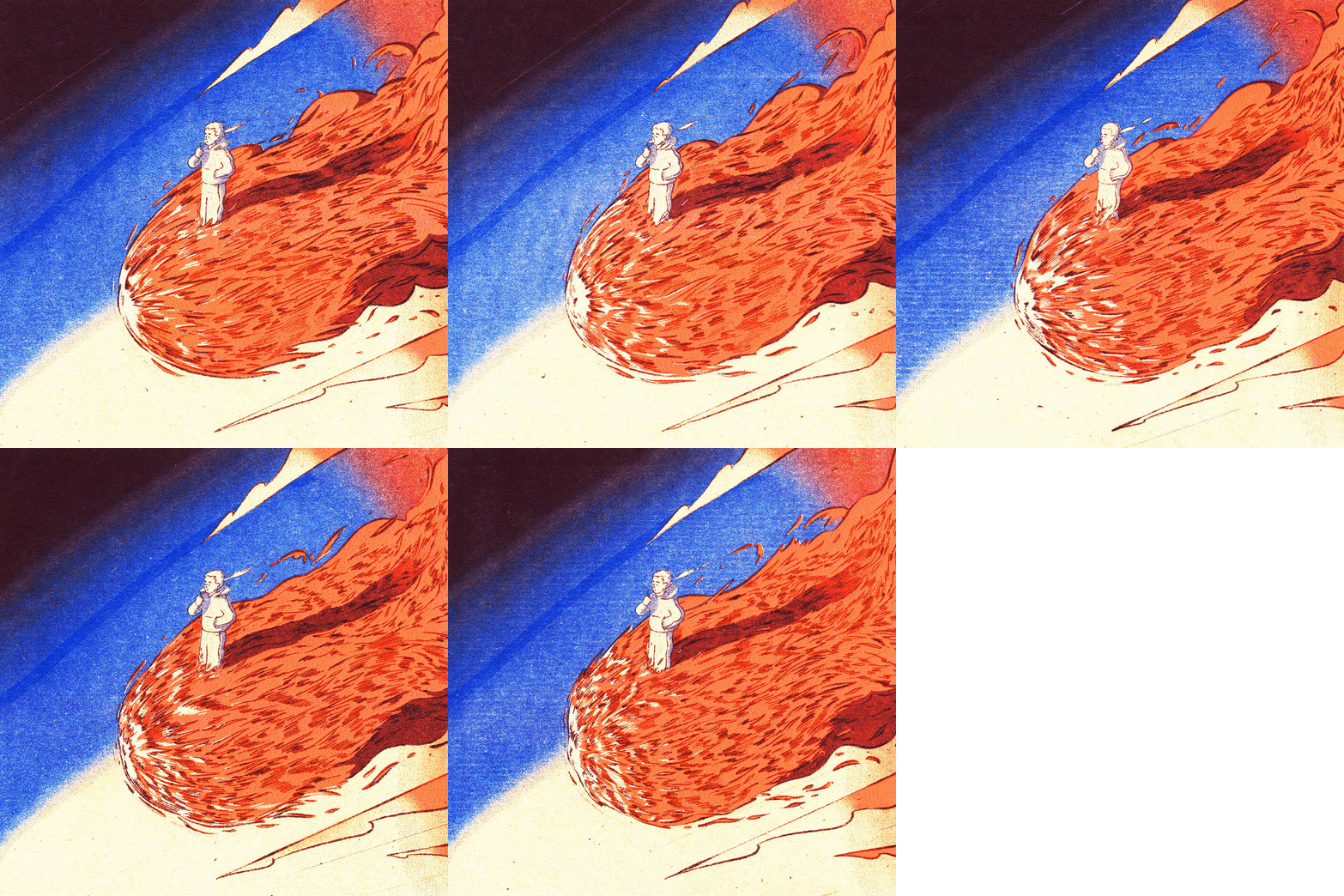
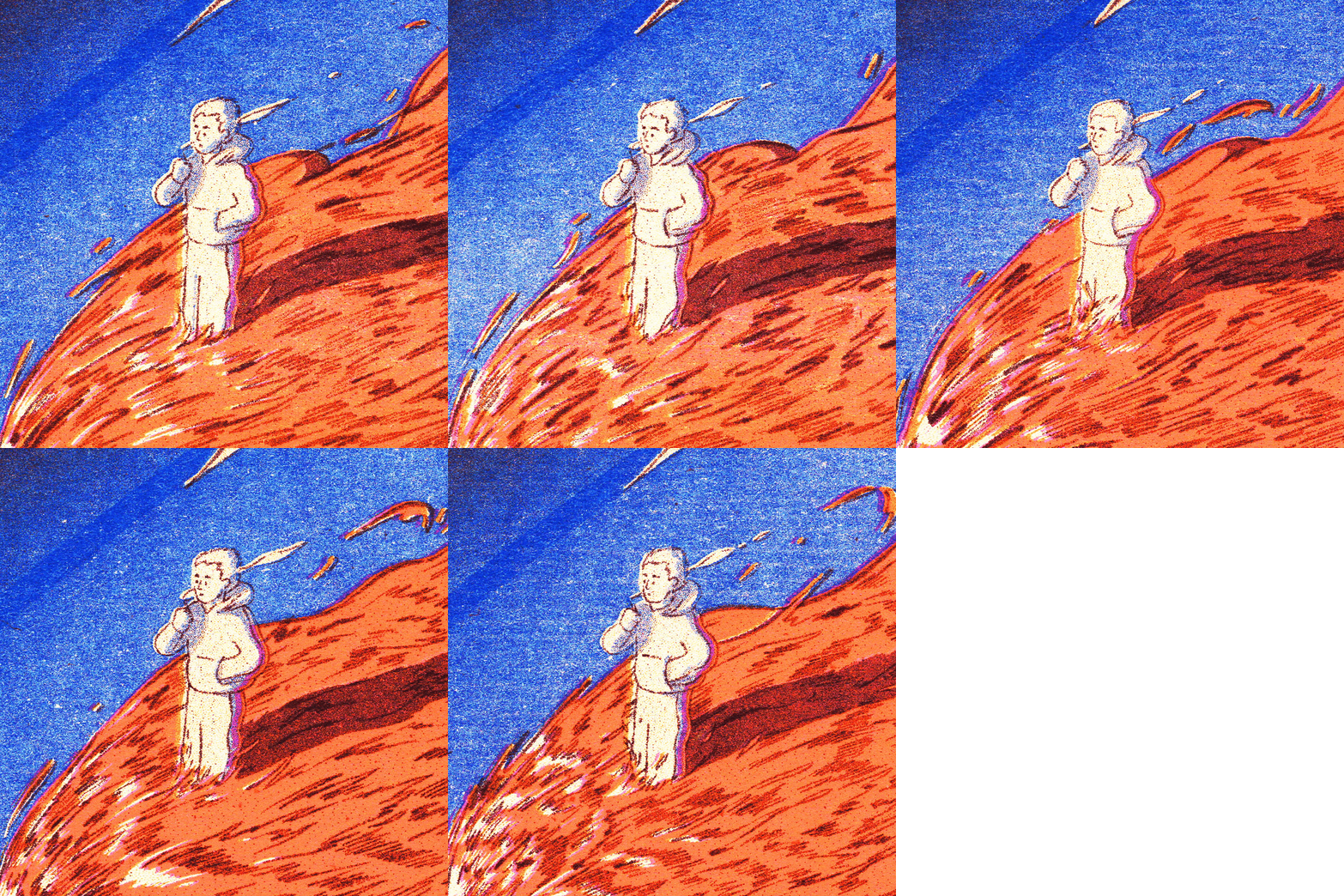
Nice. The texture added so much and the flame felt more chaotic and fiery. A few of my test prints were “mis-registered,” meaning the layers didn’t line up fully. The resulting prints revealed a lot more about how the image was constructed. Note the pinkish purple color in our character’s sweatsuit below:
A Song of Cats & Fire
The risograph texture suggested warm, vinyl crackle-like sound and music to me. As I mentioned in the intro, I didn’t have a ton of energy to transition my home office into my music set up for the night. But Emily suggested that we make the music and sound together. We brought out a steel drum I received for Christmas one year and I plugged my bass and midi keyboard into Ableton.
I put down some simple synths and Emily plunked out a melody on the steel drum, which I recorded using a cheap microphone. The mic picked up our voices, breath, and our cat Jelly’s purring as well. If you listen with headphones, you might be able to hear the purring in the background.
Emily also played the lead synth melody after I recorded a driving baseline, which resulted in a sci-fi, lo-fi vibe. This added a trippy layer of cosmic noise to the animation. We had so much fun.
I hope to experiment with risograph animation more in the future. I’m teaching a workshop on this process in April if you’re in the boston area and want to learn more.
Thanks for reading!
Claim Your Flame
If you would like one of these frames as a stand alone print, you can have it! Just follow the link here and claim yours.
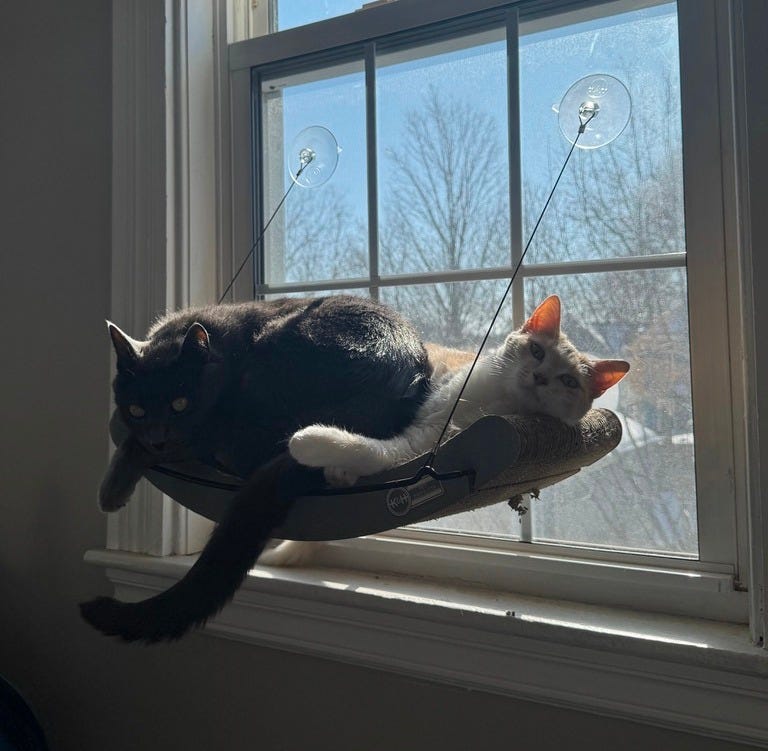
Your Obligatory Cat Photo
Ahhhhhh flameo! We love Avatar. I broke down and bought my first (and only) Funko thing when they put out the cabbage vendor. This is really cool thanks for sharing! I’m stealing the “don’t worry about it” part of your story. I’m noodling around with animation for funsies and there is a whole lot of why is this and why is that and what am I even doing and don’t worry about it is a great response lol.
This is incredible. I love it so much. thank you for sharing the process, too