

Procreate Dreams Actually Works Now
Testing the software with a "Big Boots Boy" walk cycle.

Thoughts On Threes is going monthly instead of bimonthly! Fewer emails, and (hopefully) higher quality posts. Paid folks scroll down to explore a sample project file.
When Procreate Dreams was released, it was presented as the egalitarian animation software alternative to Adobe products like Animate, After Effects, and Animate CC (formerly Flash). Previously, the first Procreate drawing app quickly became an option for professional illustrators, and I hoped Procreate Dreams would be the same. After buying and trying the first iteration, I was not impressed. The timeline functionality was odd, the app had no transform or lasso tool, and brushes were often pixelated.
Fast forward a couple years and we’re deep in the golden age of independent animation softwares and we’re waist deep in a subscription based technological hellscape at the same time. As Adobe made the stock plummeting decision to discontinue Animate CC, the animation industry was presented with a stark reminder: Big tech owns our tools and our workflow.

In response, I saw motion design influencers and colleagues publicly promote their transitions from Animate CC to softwares like Moho, TVpaint, Krita, Clip studio, Rough animator, and Procreate Dreams 2. I had already been using Rough Animator, and I recently purchased TVpaint, so I thought: Ok…I’ll try Procreate Dreams 2.
Today I’ll take you through my initial test of Procreate Dreams 2 and what I learned. Do we have a game changing software on our hands? Is this the tool that Animators truly Dream of?
The Big Boots Boy Test
I tend to test every new software with a “Big Boots Boy” walk cycle. This usually means a character with a disembodied head and some big shoes. Here’s the first Big Boots Boy walk cycle I made to test out Rough Animator.
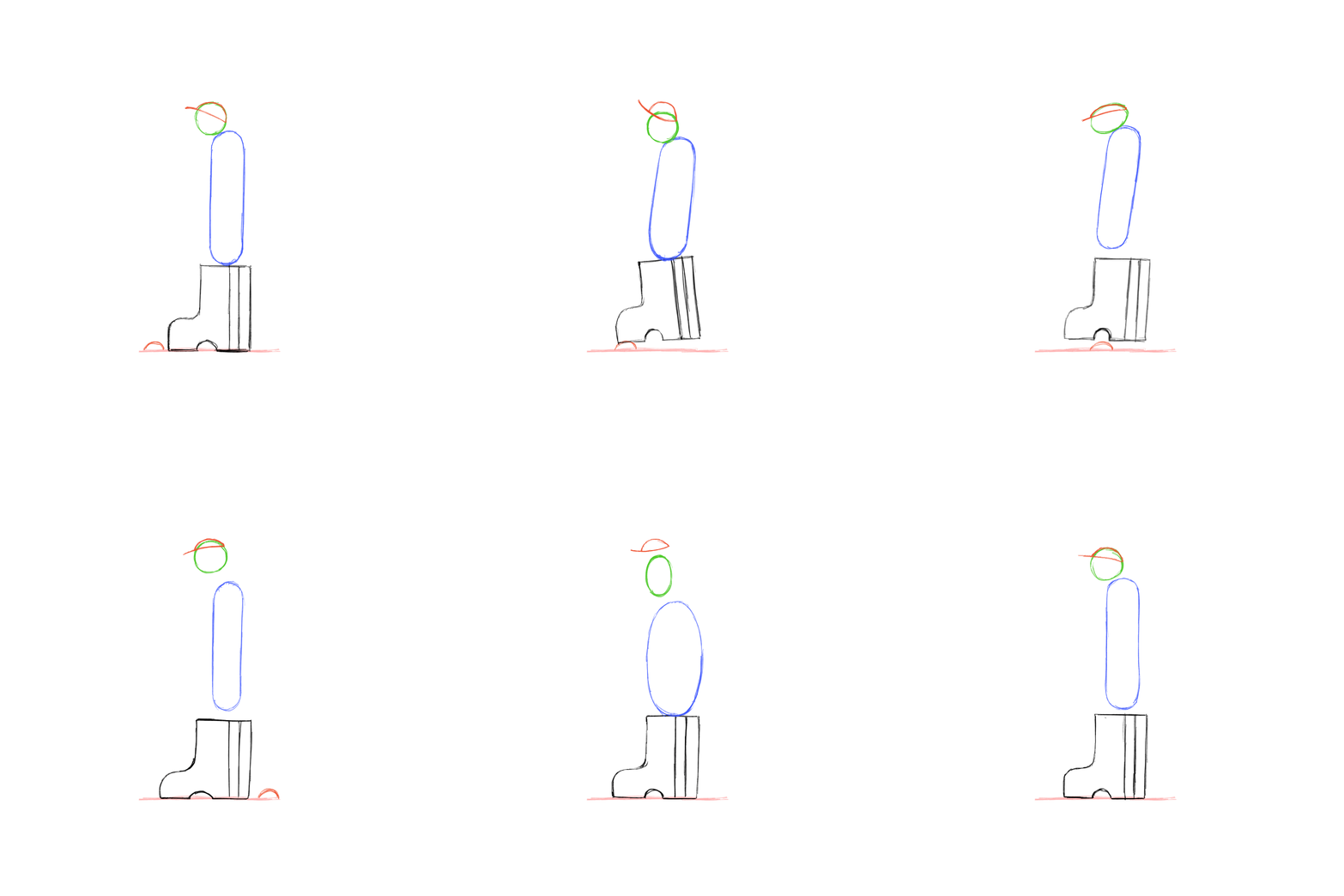
I think this type of cutesy approach works well as a software test because:
It makes the exercise feel low pressure and fun.
This type of sequence tests out how multiple layers interact and how easy it is to make a loop.
It helps me fit in some walk cycle practice which, as dry and strange as Richard Williams has made it (his first example in the “The Animator’s Survival Kit” is animating a “Gay” walk), a walk cycle is a great way to refine your animation skills. SUE ME.
When I opened Procreate Dreams 2, I was looking for a better clean up software more than anything else. Since I use Procreate to design and build assets for animated sequences, having the same exact brushes available for animation clean up is important. While Photoshop works as well…I want to animate from my couch, SUE ME AGAIN.
So I hopped into Rough animator and made a printmaking themed Big Boot Boy.
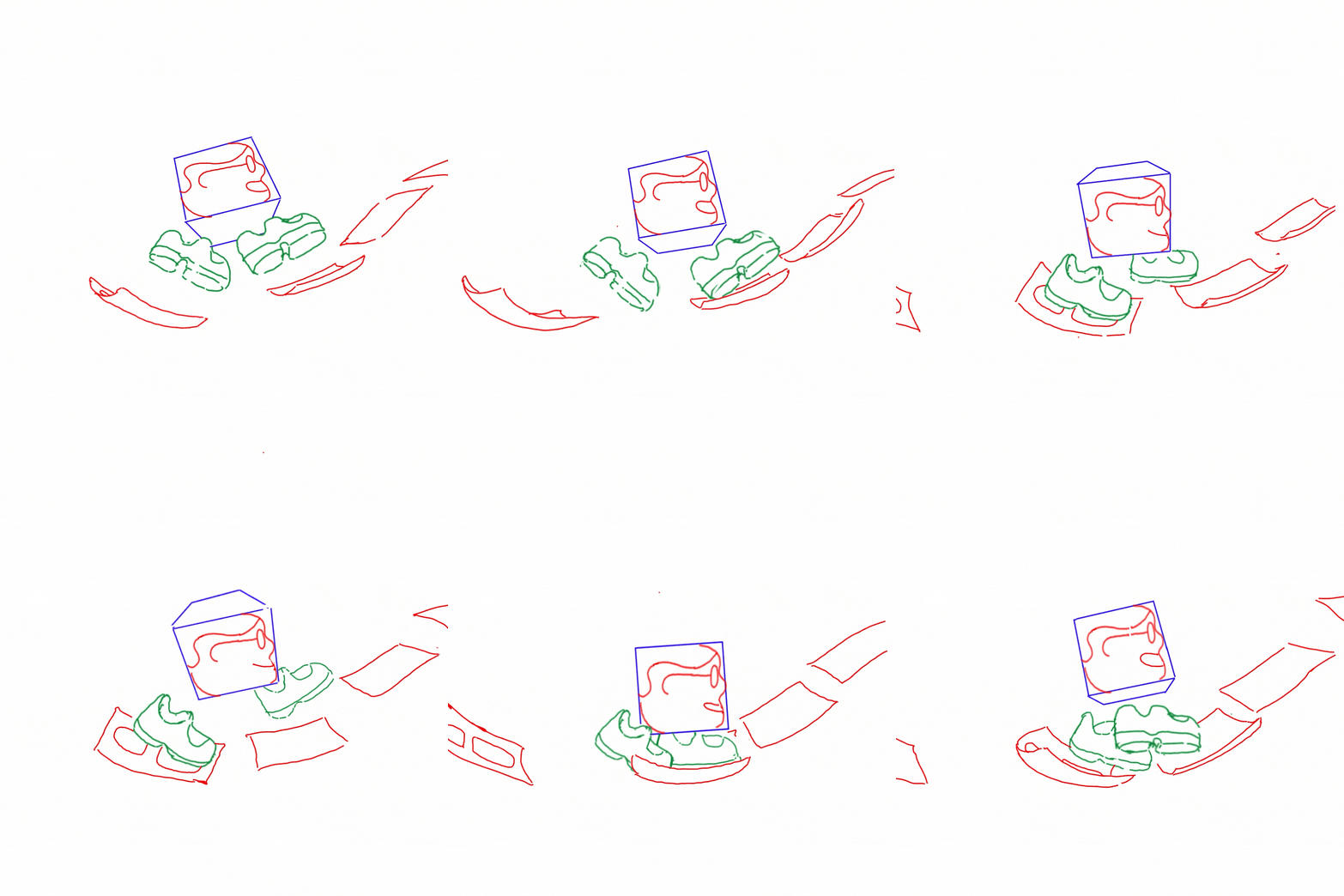
Nice. Now that’s a pretty fun boy with some pretty big boots.
I exported this animation as an .mp4 and dropped it into Procreate Dreams 2; an easy process once you realize that the timeline and “flipbook” functions are different things.
As I worked, I realized that Procreate Dreams 2 is fun. It has the ease of the original Procreate’s animation tool but with more functionality. Some of the scrolling and playback functions are a bit weird. For instance, you have to zoom out every time you want to view the full sequence in the timeline. But once you get used to the little quirks, your working pace will speed up. The drag and drop color fill tool is so helpful and makes flat color clean up a dream (ha).
I ended up with a very fun Big Boot Boy:
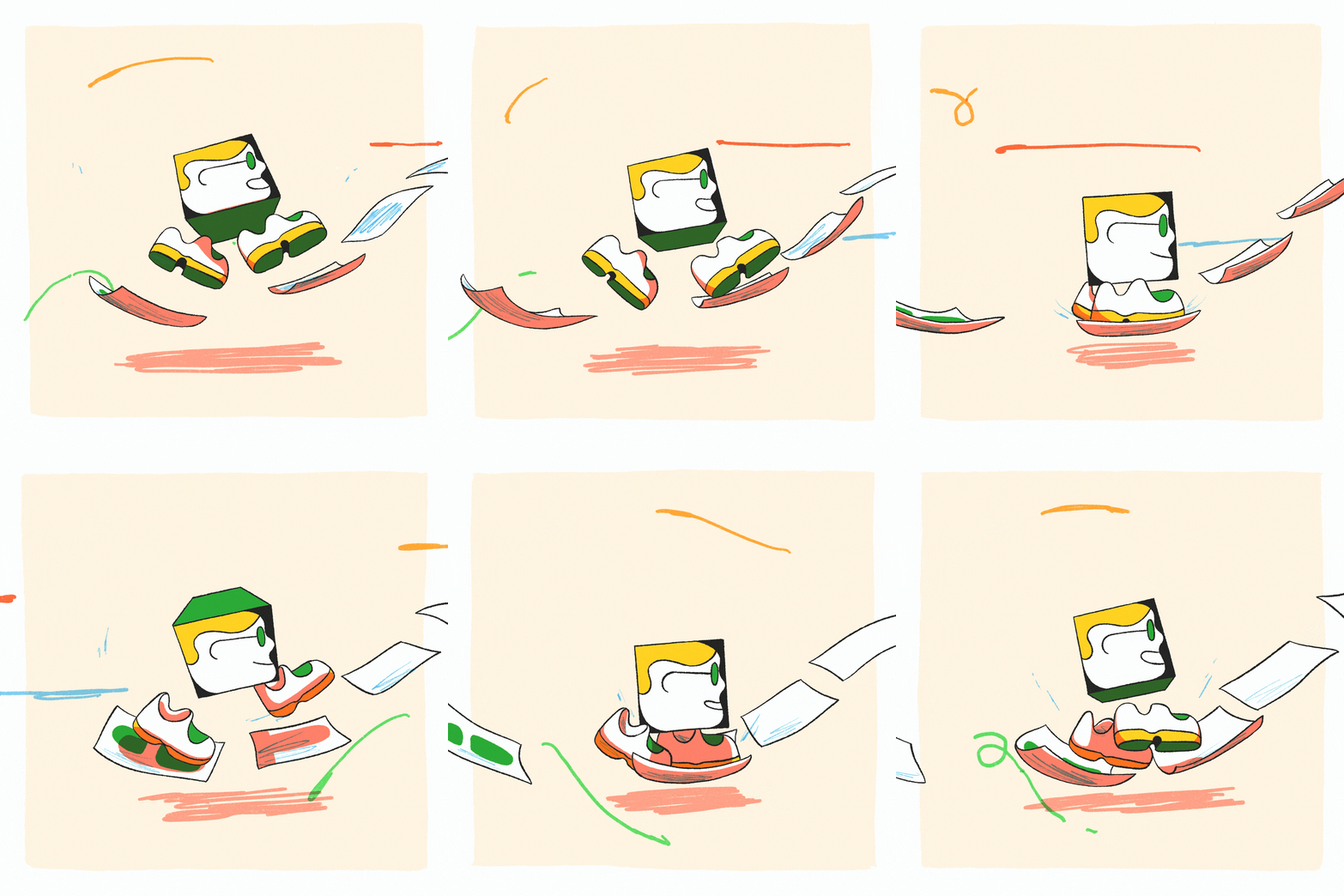
I used two of my favorite brushes from True Grit Supply ,like the toothy taper inker from Monomania, and the worn brush tip from Kolormarc. I was also able to add a “multiply” blending mode to the pink shadows and clip the shadow to the fill layer, a tedious task to accomplish in the original Procreate.
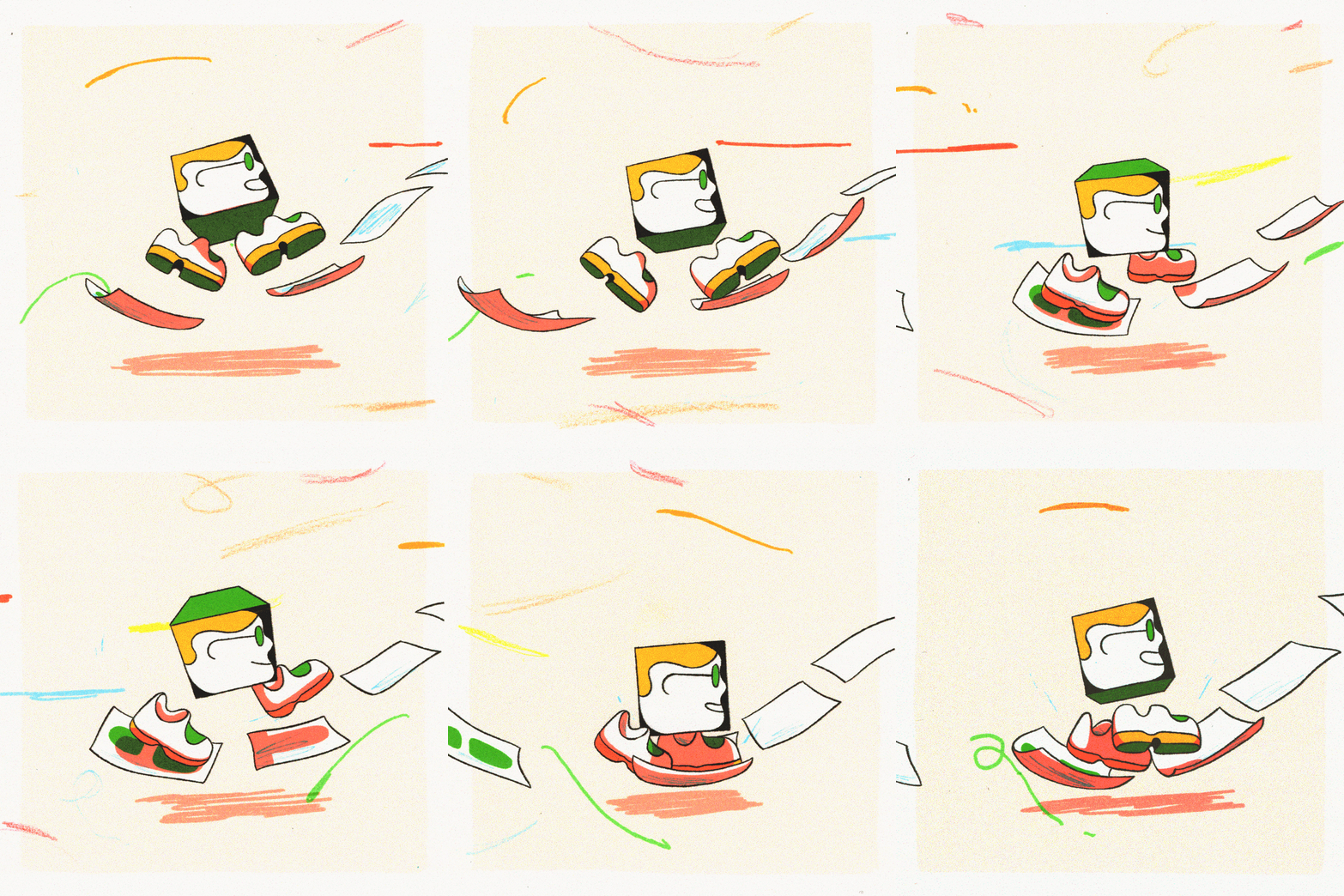
Oh I also printed out the animation and drew on top of it with colored pencil. It’s just what I do now and I love it. SUE ME A THIRD TIME.
Is The Dream a Reality?
So what’s the final verdict on Procreate Dreams 2?
I like it. I like it a lot. It does what it says it’s going to and it’s incredibly fun to use. However, there are a few things I don’t like:
The “keyframing” functions aren’t very intuitive. It’s cool that they exist, but so far, I’m not convinced. I’m ok with that, because it’s not the main appeal of the tool.
The “Straighten line” and “Arc” functions from the original Procreate are not present in Dreams 2. You can’t really make a straight line unless you import a pre-made asset from regular Procreate, but maybe I’m missing something?
Longer duration shots with lots of layers can be hard to navigate and to export from.
Even with those slight speed bumps, Procreate dreams is a pretty solid and versatile hand-drawn animation software. And it’s a $12.99 one time payment. That alone makes it a true standout software. Even Adobe Animate CC by itself costs $22.99 a month. And it barely worked properly before it got discontinued. Adobe is charging astronomical prices for tools that essentially shatter after an update and are awash with useless AI features that make everything more difficult.
After testing Procreate Dreams 2, I’m now using it for a professional project with a style that the software is especially suited for. While I’m still using After Effects for compositing, it feels good to have a hand-drawn workflow that isn’t going through an completely unreasonable tech company. I’m excited to see how the software develops in the future.
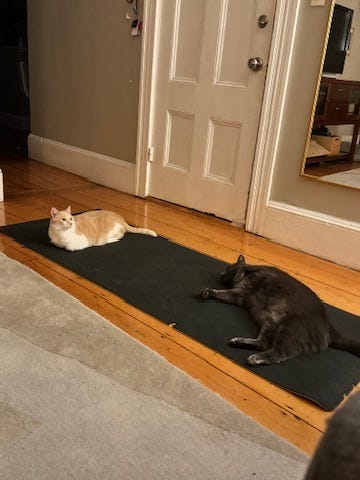
Obligatory Cat Photo
Keep reading with a 7-day free trial
Subscribe to Thoughts On Threes to keep reading this post and get 7 days of free access to the full post archives.